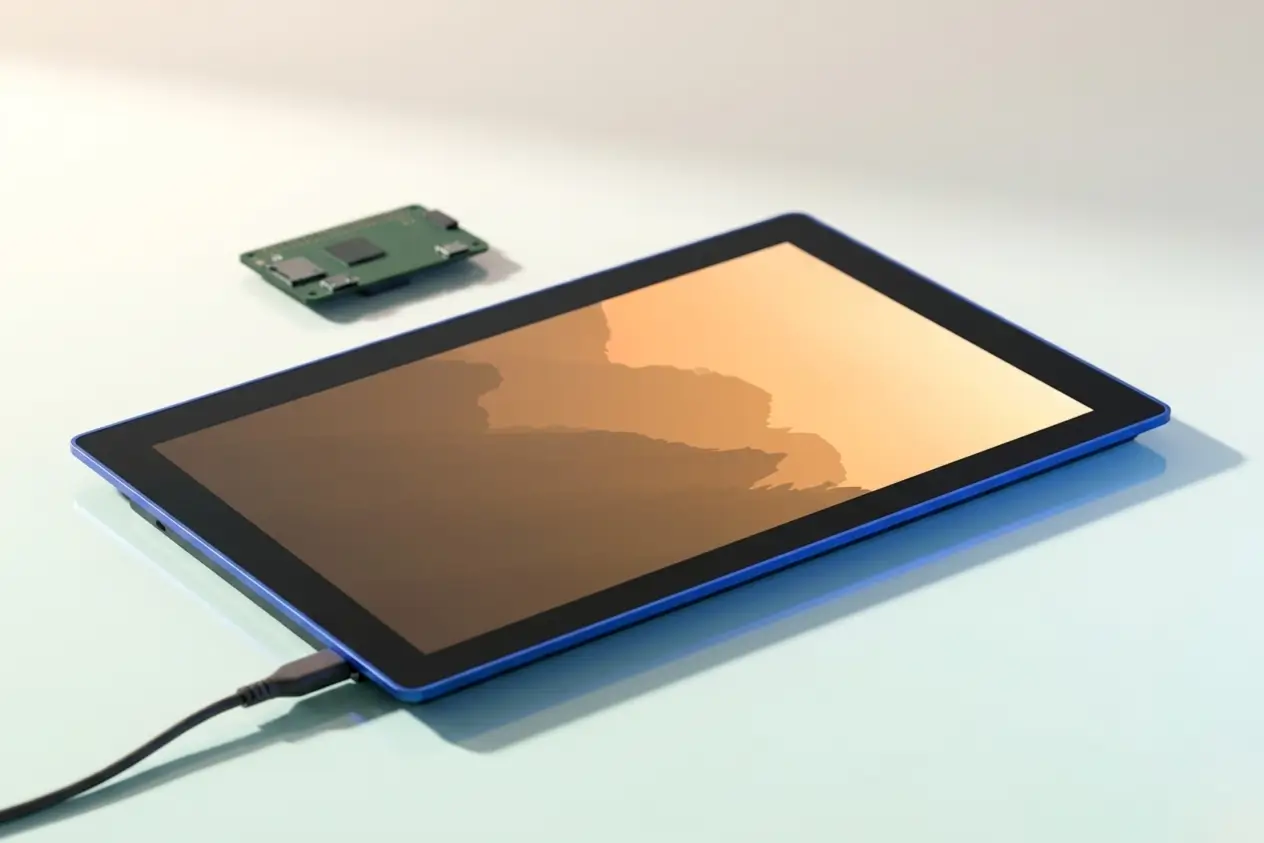
The Raspberry Pi Touch Display 2 10 inch review verdict is straightforward: more screen space, but at the cost of resolution density and a higher price than the original. At $80 (roughly £63), it gives makers and hobbyists a noticeably larger canvas for Pi-powered projects, but the spec sheet has a few compromises worth understanding before you order.
Table of contents(7 sections)
What is the Touch Display 2?
Raspberry Pi’s official Touch Display 2 is the follow-up to the original 7-inch display launched back in 2015. The new model jumps to a 10.1-inch IPS panel with ten-point capacitive touch, and connects via a single USB-C cable that handles both data and power, replacing the previous ribbon cable and separate power arrangement.
It is compatible with the Raspberry Pi 5 and Raspberry Pi 4, and works out of the box with Raspberry Pi OS. No driver fiddling is required for touch input, which is welcome for anyone who has wrestled with display configuration in the past.
The key specs
The panel runs at 1280×800 resolution, which gives you an aspect ratio of 16:10. That is a reasonable resolution for a 10.1-inch screen, but pixel density comes in at around 149 PPI, which is noticeably softer than modern tablets at a similar size. Touch input supports up to ten simultaneous points, and the display brightness is rated at 500 nits, which is solid for indoor use.
The display draws power through the Pi itself via USB-C, so there is no separate power supply needed for the screen. Physical dimensions put it at around 261mm x 164mm, and it is designed to sit in official Raspberry Pi cases and compatible third-party enclosures.
Where it improves on the original
The jump from 7 inches to 10.1 inches is significant in practice. If you are building a kiosk, a dashboard, a home automation panel, or an in-car display, the extra real estate makes interfaces much easier to use and read. The original display felt cramped for anything beyond basic projects.
The USB-C connection is a meaningful quality-of-life improvement. The original model required a ribbon cable connection to the DSI port plus a separate USB power lead for the display itself, which added clutter and made cable management awkward in tight enclosures. One cable is cleaner in every sense.
IPS technology also means better viewing angles than the original. You can read the screen from off-centre without colours shifting, which matters if you are mounting it on a wall or in a position where the viewer is not always sitting directly in front of it.
The compromises you need to know about
Resolution is the main one. At 1280×800, you are not getting a sharp display by 2025 standards. Text and UI elements look fine at normal viewing distances, but anything requiring fine detail, such as reading small print or displaying dense data tables, will look softer than you might hope. The original 7-inch display ran at 800×480, so proportionally the new model is an improvement, but the raw pixel count is still modest.
The $80 price also occupies awkward territory. At roughly £63 before import costs and VAT, it is not cheap for a display of this specification. You can find generic 10-inch HDMI touch displays for less, though they lack the official integration, reliable driver support, and single-cable convenience. Whether that integration premium is worth it depends on how much you value a plug-and-play experience.
It is also worth noting that the display draws power through the Pi, which puts additional load on the Pi 5’s power budget. If your project already runs peripherals, storage, and active cooling, check your power supply is up to the combined draw before ordering.
Who should buy it?
This display makes most sense for makers who want a tidy, officially supported setup and are not pixel-counting. Kiosk builders, home automation enthusiasts, and small business owners using Pi for a point-of-sale or information display will benefit from the larger size and clean single-cable setup. If you are building a media player or anything where sharpness matters, look elsewhere or budget for a higher-resolution HDMI alternative.
If you are currently running projects on the original 7-inch display and find the size limiting, this is a straightforward upgrade path. If you are starting fresh and resolution is a priority, weigh up third-party options alongside this before committing. And if what you actually need is a full workstation rather than a maker project, our guide to the best laptops for small business UK covers proper day-to-day machines.
Verdict
The Raspberry Pi Touch Display 2 does what it sets out to do: it gives you a larger, better-connected, officially supported screen for Pi projects. The resolution is not exciting, and the price requires a moment’s thought, but the convenience of USB-C, solid touch performance, and guaranteed compatibility make it the right call for most official Pi builds where screen size matters more than pixel density.
Frequently asked questions
Is the Raspberry Pi Touch Display 2 compatible with Raspberry Pi 4?
Yes. The Touch Display 2 is compatible with both the Raspberry Pi 5 and Raspberry Pi 4. It connects via USB-C and works with Raspberry Pi OS without additional driver setup.
Does the Touch Display 2 need a separate power supply?
No. It draws power through the Raspberry Pi via the USB-C connection, so no separate power supply is needed for the display itself. Just make sure your Pi's power supply can handle the combined load of the board and display.
How much does the Raspberry Pi Touch Display 2 cost in the UK?
It is priced at $80 USD. At current exchange rates that is roughly £63, though the actual UK retail price may vary once VAT and retailer margins are applied. Check the official Raspberry Pi store or UK authorised resellers for the live price.
What is the resolution of the 10.1-inch Touch Display 2?
The display runs at 1280×800 pixels in a 16:10 aspect ratio, giving a pixel density of around 149 PPI. It is adequate for most project use cases but not particularly sharp by modern standards.
The Touch Display 2 is available now through the official Raspberry Pi store and authorised UK resellers, with cases and mounting hardware already appearing from third-party suppliers to match the new dimensions.
